To-do apps are excellent at holding tasks and terrible at holding a week. They show you a vertical list of everything, which is exactly the wrong shape for the way a week actually works: seven containers of limited capacity.
The cost of not seeing the week
When you only see today, every commitment looks individually reasonable. It is only standing back that you notice you said yes to four things on Wednesday and nothing on Thursday — and that your "easy" week is not easy at all.
A weekly spread is the cheapest way to see that before it happens.
Plan the week in fifteen minutes
Sunday evening or Monday morning, whichever you will actually keep. Four steps:
- Name the week. One sentence: what would make this week feel successful? Write it at the top.
- Put the fixed things in first. Meetings, appointments, travel, school runs. The scaffolding.
- Assign your big tasks to a specific day. Not "this week" — Tuesday. Undated tasks drift forever; dated ones move.
- Protect one block. Choose the hour that is for the thing that matters and mark it so nothing else can take it.
Review it in five minutes
At the end of the week, answer three questions on the same page:
- What actually moved this week?
- What did I keep pushing to next week — and why?
- What is the one thing I want to be true by Friday next week?
Task that gets pushed three weeks running is not a task problem. It is a signal that it is too vague, too big, or not really yours to do. The review is where you catch that.
Keep the daily detail out of it
The most common mistake is trying to run the whole week at hourly resolution. You will not. Use the weekly spread for shape and priorities, and a daily page for the hour-by-hour. Trying to do both on one page is how planners get abandoned in February.
The layout that makes this easy
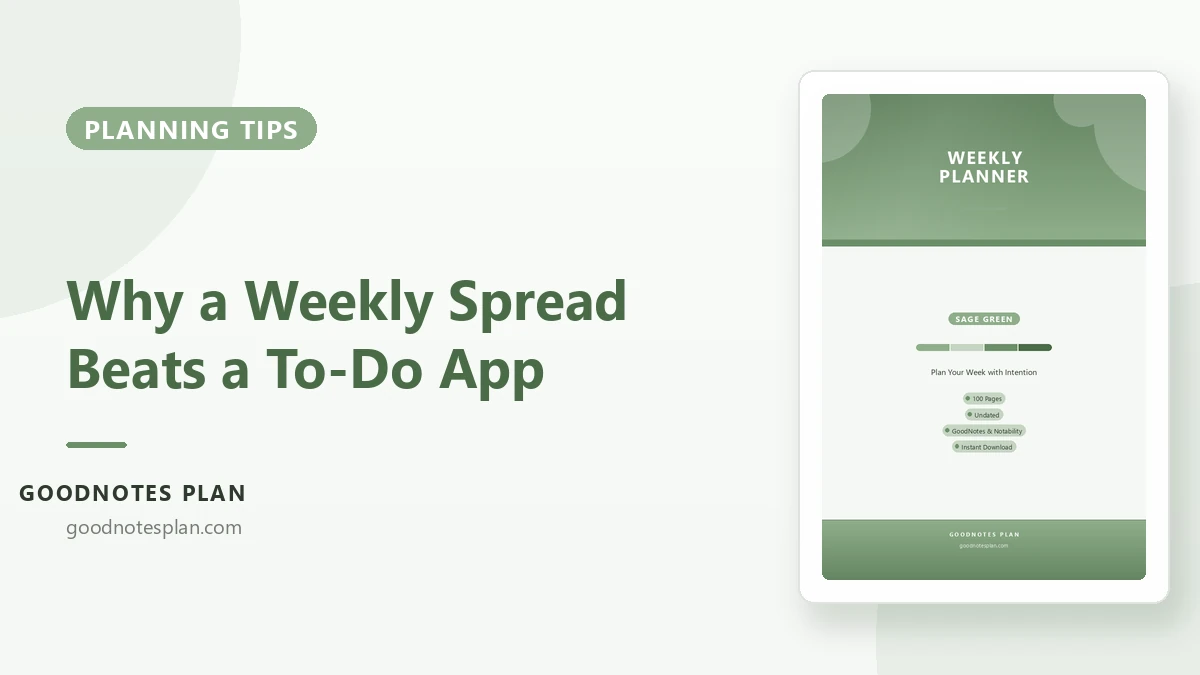
The Weekly Planner in Sage Green has a week-at-a-glance with a strong focus line, day rows wide enough to write in, and a review panel at the bottom so the ritual has a home. Undated, A4, and it works in GoodNotes, Notability or on paper.
Run it alongside the daily page — the one-page daily plan explains how the two fit together.